

Maximize Your eFootball Rewards: How to Switch to the Japanese Server Using PandaVPN
 Sharon
  2026.10.13
For eFootball fans around the world, Konami’s football simulation series offers an immersive way to experience the beautiful game. However, players may encounter differences in regional campaigns, promotions, and online matchmaking depending on their location, account settings, and the platform they use.
If you’re interested in exploring eFootball’s Japanese community or checking out region-specific content, you may be wondering whether connecting through a Japanese VPN server can help. With PandaVPN, you can connect through a Japanese IP address and explore how a different network route affects your online gaming experience.
Whether you’re building your Dream Team or looking for new competitive challenges, here’s what to know about connecting to Japan with PandaVPN and how to get started.

Why Connect to the Japanese Server for eFootball?
Konami offers various in-game campaigns, events, and promotions throughout the year. The content available to players may vary depending on the game version, platform, account region, and specific event eligibility requirements.
Connecting through a Japanese IP address may be useful for exploring Japan-related online services and testing alternative network routes. However, a Japanese VPN connection does not automatically switch your eFootball account to Japan or guarantee access to region-exclusive events, player packs, or rewards. Availability depends on Konami’s regional rules and the requirements of each campaign.
Before changing your connection, consider these potential benefits:
- Explore Regional Events and Campaigns: Learn about Japanese eFootball campaigns and check whether specific events are available to your account. Some events may have additional regional or participation requirements.
- Stay Informed About Special Player Packs and Bonuses: Follow official announcements about limited-time promotions, J.League-related content, and special player cards. Availability and eligibility depend on the particular campaign rather than your IP address alone.
- Explore Online Matchmaking: A Japanese VPN endpoint lets you test a different network route when connecting to online services. Actual matchmaking regions and opponents are determined by the game’s systems, so connecting to Japan does not guarantee matches exclusively against Japanese players.
Why PandaVPN is a Useful Companion for eFootball
Online football games rely on responsive controls and stable network connections. If you’re experiencing inconsistent connectivity, routing your traffic through a different VPN server may be worth testing. PandaVPN offers a range of connection and privacy features that can support your gaming setup, although actual performance depends on your location, internet provider, server load, and the game’s network infrastructure.
1. Ultra-Fast IPLC & 10Gbps Servers
Lag, latency spikes, and packet loss can disrupt an important pass, tackle, or free kick in eFootball. PandaVPN offers servers with bandwidth capabilities of up to 10Gbps, alongside patented connection acceleration technology and high-speed IPLC (International Private Leased Circuit) infrastructure.
These technologies are designed to support fast and stable connections. Depending on your existing internet route, connecting through a suitable Japanese VPN endpoint may improve your connection consistency or provide an alternative route to online services.
However, a VPN cannot guarantee lower ping or eliminate packet loss. Your actual gaming experience depends on the distance between your device and the relevant game infrastructure, network congestion, routing conditions, and the game’s matchmaking architecture. For the best results, compare your latency and connection stability before and after connecting.
2. A Global Server Network, Including Japan
PandaVPN operates over 6,000 servers across 229 locations in 101 countries, according to its published service information. Its global network includes Japanese server locations, allowing users to test different routes when accessing supported online services.
Whether you’re connecting from North America, Europe, or another region, you can select a Japanese endpoint and evaluate its performance for your particular gaming setup.
For the best experience, choose a server that offers a suitable balance of latency and stability. A Japanese IP address may help you access certain region-dependent services, but it does not guarantee that eFootball will assign you to a Japanese game server or make every regional feature available.
3. Multi-Platform Support for Mobile and PC
Whether you play eFootball on iOS, Android, Windows, or macOS, PandaVPN provides client applications for supported devices. You can choose the appropriate version from the official PandaVPN download page.
Eligible plans support up to 10 simultaneous device connections, making it convenient to use the service across multiple compatible devices. If you switch between a phone, tablet, and computer, you can select the appropriate client and connect to a Japanese server where supported.
Keep in mind that VPN availability and configuration can vary by operating system and device. Check the compatibility of your particular platform before subscribing, and remember that installing a VPN on your device does not change the region associated with your game account automatically.
4. Encryption and a Strict No-Logs Policy
Online gaming involves network traffic that may be exposed to local network operators or other parties under certain circumstances. A VPN encrypts supported traffic between your device and the VPN server, helping protect it from being read by someone monitoring the local network.
PandaVPN advertises 256-bit encryption using ECC technology and a strict no-logs policy. These features are intended to help protect your online privacy and reduce the exposure of your network activity.
A VPN is not a complete account-security solution, however. It cannot guarantee that an eFootball account will never be compromised, prevent every form of tracking, or protect you from phishing and malicious software. Use strong, unique account credentials, avoid suspicious links, and follow Konami’s account-security recommendations.
Step-by-Step Guide: How to Get Started
- Get PandaVPN: Visit the official PandaVPN website to review available subscription plans and their terms. A 7-day money-back guarantee is available on eligible plans, subject to the applicable conditions.
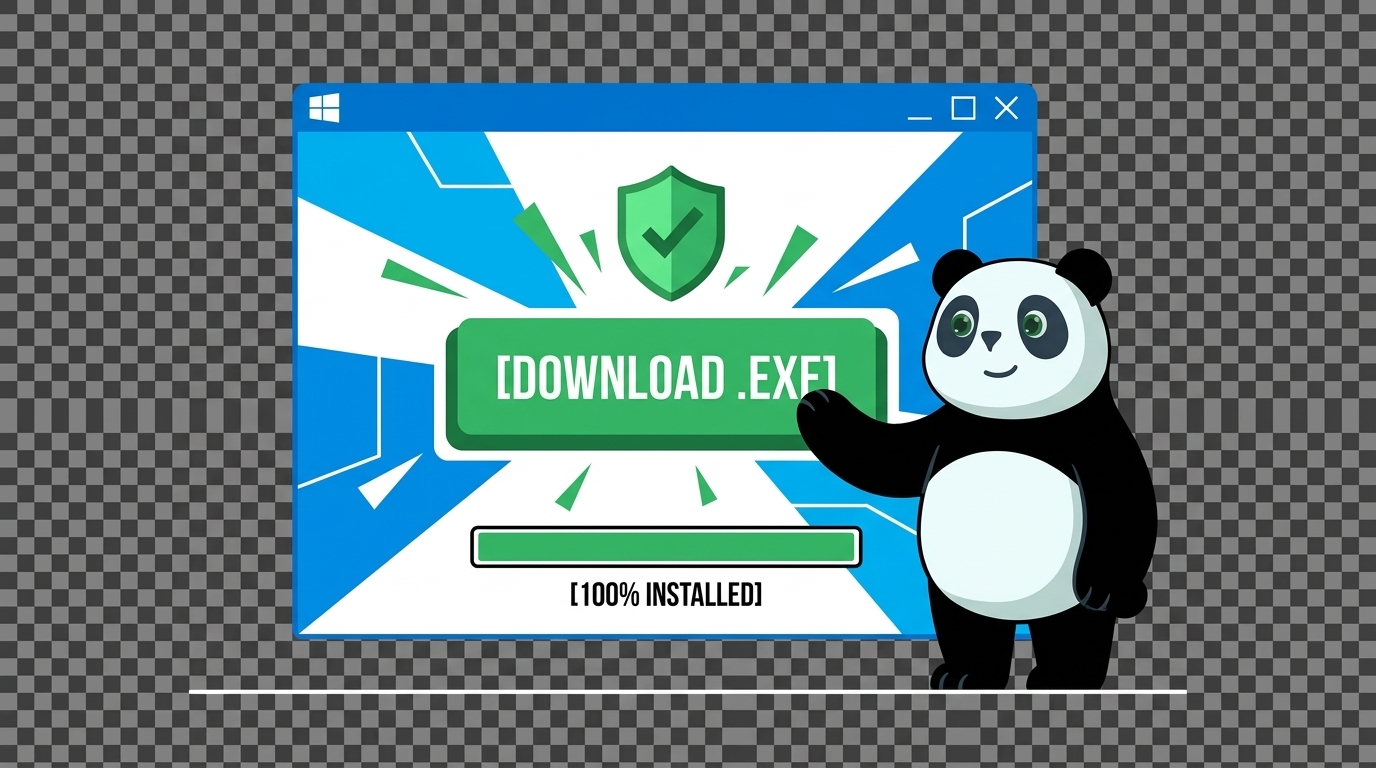
- Download and Install: Visit the PandaVPN download page and select the version compatible with your gaming device, such as Windows, macOS, iOS, or Android.
- Connect to Japan: Open PandaVPN, find Japan in the server list, and select an available Japanese endpoint. Once connected, check your connection stability and latency before launching a competitive match.
- Launch eFootball: Open eFootball and test your connection in a suitable game mode. Compare your gameplay experience with your usual connection to see whether the Japanese VPN route provides any practical benefit. If you’re looking for regional campaigns or rewards, check Konami’s official announcements and the eligibility requirements associated with your account and platform.
Ready to explore alternative network routes for your next eFootball session? Visit PandaVPN to learn more about its global server network, encryption features, and available plans. Choose a suitable Japanese endpoint, test your connection, and find the setup that works best for your gaming needs.

Related Posts


Featured Posts