

Master the Digital Road: Essential VPN Tips for Your International Travels
 Sharon
  2026.02.13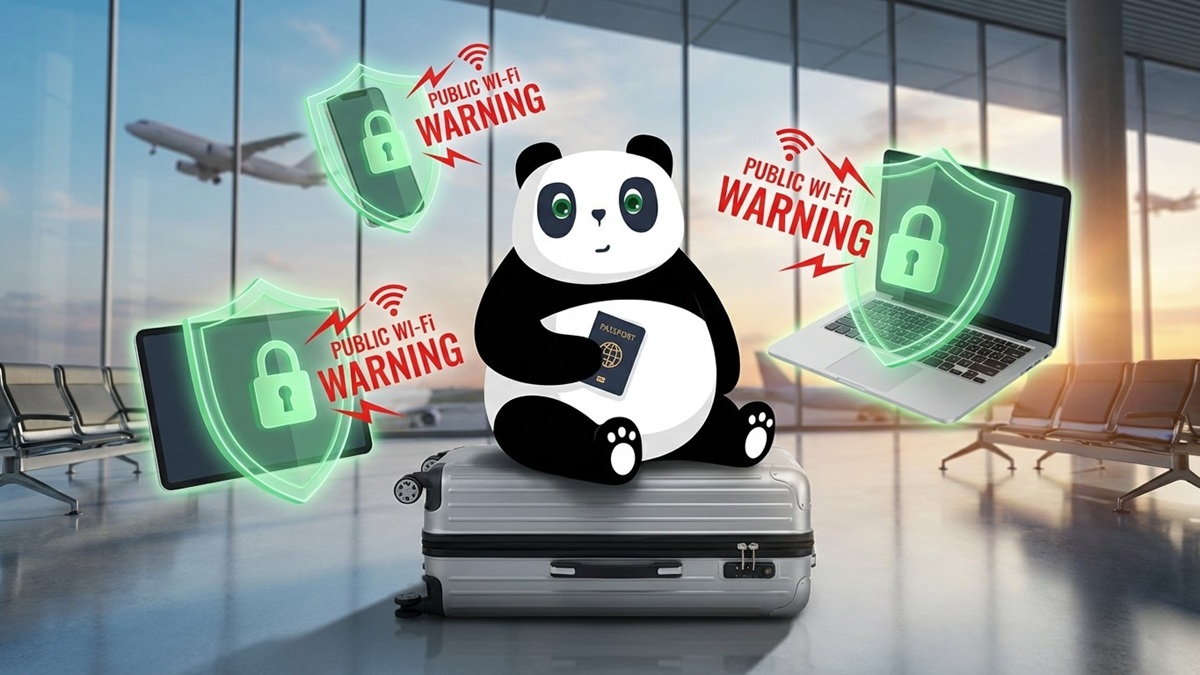

Exploring the world is an incredible experience, but navigating the digital landscape abroad can be tricky. Between unsecured airport Wi-Fi and geo-blocked content, your online experience can quickly become a headache.
Using a VPN like PandaVPN is the smartest way to stay secure and connected. To help you get the most out of your subscription while wandering through Europe or beyond, here are our top expert tips.
1. The “Before You Fly” Checklist
The most important rule of travel tech: Prepare before you leave your home network.
-
Download & Install Early: Some countries restrict access to VPN websites. Download the app on your phone, tablet, and laptop while you are still at home.
-
Update Everything: Ensure your VPN app is running the latest version to benefit from the most recent security patches and server optimizations.
-
Test the Connection: Log in and connect to a few different servers to make sure everything is working perfectly before you head to the airport.
2. Bypass “Home-Sickness” with Smart Server Selection
The primary reason travelers love PandaVPN is the ability to “virtually” stay at home.
-
Bank with Confidence: Many banking apps will flag or block your account if they see an IP address from a foreign country. Connect to a server in your home country before opening your banking app to avoid being locked out.
-
Beat the Geo-Block: To continue your Netflix series or use local streaming services (like BBC iPlayer or Hulu), always select a server located in the country where that service originates.
-
Save Money on Flights: Sometimes, airline and hotel prices change based on your location. Try switching your VPN server to your destination country or a lower-income region to see if you can snag a better deal.
3. Priority One: Security on Public Wi-Fi
From the high-speed trains in Italy to the “Free Wi-Fi” at a Parisian cafe, public networks are hotspots for data theft.
-
Enable “Auto-Connect”: Set PandaVPN to automatically connect whenever you join an unencrypted or public Wi-Fi network. This ensures you’re never “naked” online.
-
Use the Kill Switch: If your VPN connection drops for a split second, the Kill Switch feature will immediately cut your internet access to prevent your real data from leaking onto the public network.
-
Check for DNS Leaks: Use an online leak test tool while connected to PandaVPN to ensure your real location is truly hidden.
4. Optimize for Speed and Battery Life
Using a VPN can sometimes consume more battery or slightly slow down speeds. Here’s how to manage it:
-
Choose the Right Protocol: If you’re streaming video, use a high-speed protocol like WireGuard. If you’re in a country with strict internet censorship, switch to OpenVPN or PandaVPN’s specialized obfuscation protocols.
-
Select “Smart Connect”: If you don’t need a specific country, use the “Smart Connect” or “Optimal Server” feature. This automatically picks the fastest server based on your current physical location.
-
Disconnect when Offline: To save phone battery, disconnect the VPN if you’ve switched off your Wi-Fi and are using a local SIM card for basic navigation (unless you require privacy on mobile data too).
5. Managing Multiple Devices
Most travelers carry a phone, a tablet, and perhaps a laptop or Kindle.
-
One Account for All: Remember that your PandaVPN subscription allows for multiple simultaneous connections. You don’t need separate accounts for your iPhone and your MacBook.
-
Share the Protection: If you’re traveling with a partner or family, you can often protect their devices under your plan as well, keeping the whole group safe.
Summary Table: Quick Travel Reference
| Goal | VPN Action |
| Check Bank Account | Connect to Home Country server |
| Watch Netflix/Hulu | Connect to Home Country server |
| Using Hotel Wi-Fi | Turn on VPN + Kill Switch |
| Booking Local Tours | Connect to Local Country server for local pricing |
| Slow Connection | Use Smart Connect for the nearest server |
Ready to secure your next trip?
Download PandaVPN today and travel with the peace of mind that your digital life is protected, no matter where the map takes you.
Would you like me to translate this into another language, or perhaps create a “Quick Start” graphic guide for these tips?

Related Posts
Featured Posts